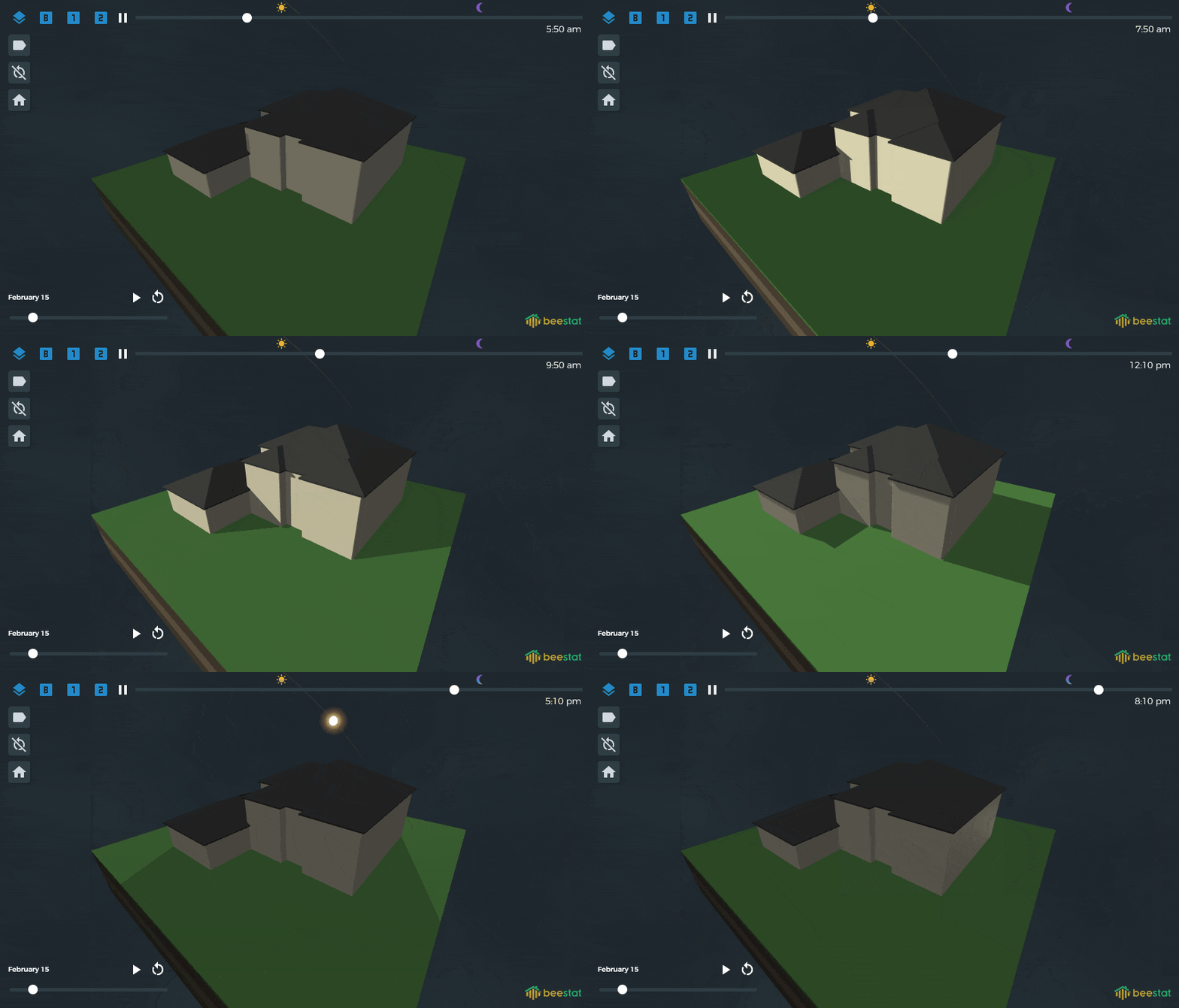
Hey everyone…been a long time since we’ve had any major new features. I’ve got a great one to share which finally completes my vision for what the 3D Visualizer was supposed to be. Huge credit to all of the new AI tools which have made it possible (and exciting) for me to invest further in beestat’s development even when I’m busy with a full time corporate job and family.
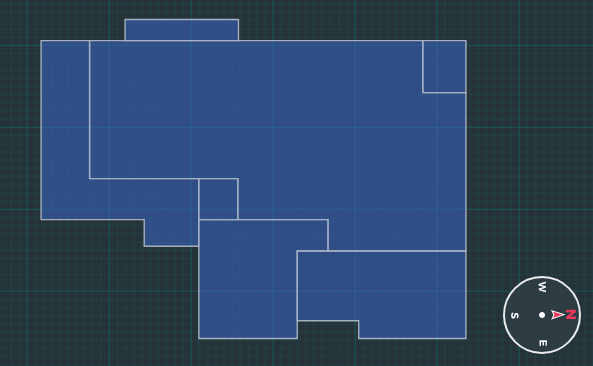
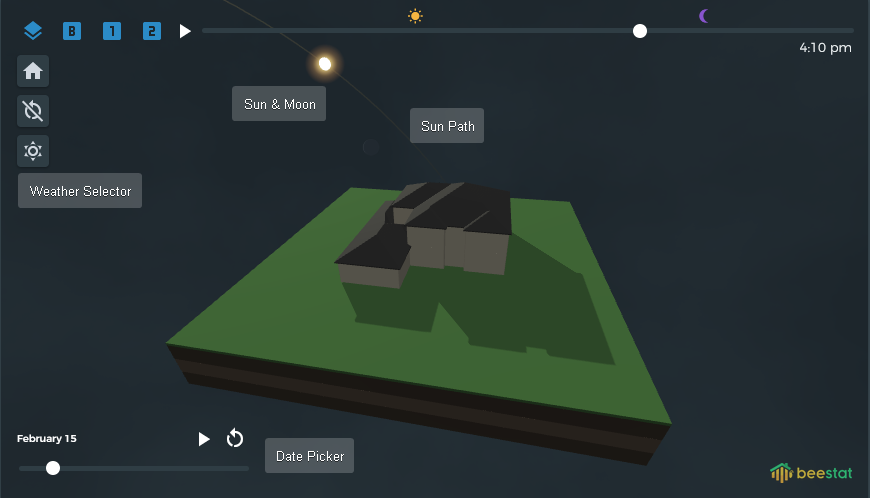
This new feature allows you to switch the visualizer into Environment Mode. This will automatically place walls and a roof on your floor plan so you can see your home in the environment and how it interacts with the sun.
Customization & Configuration
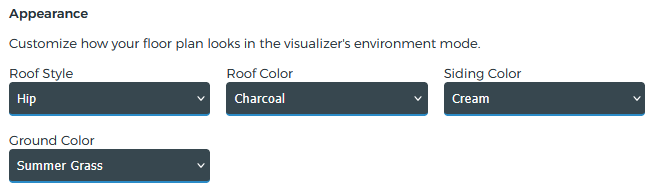
In the Edit Floor Plan menu you can customize how your home looks in this mode. These are optional, but give some nice personalization options.
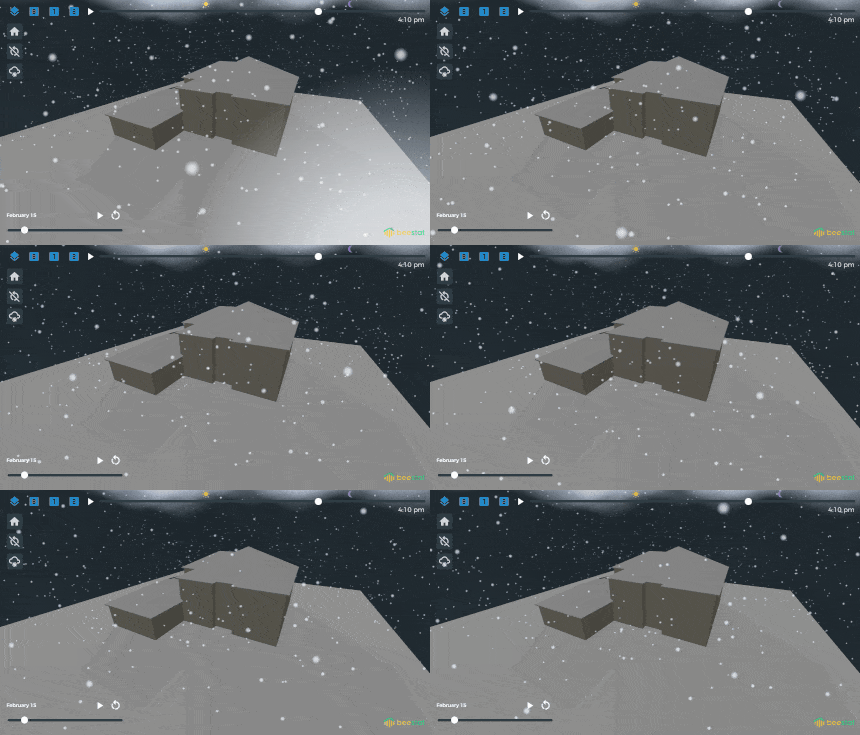
The weather is more of a fun feature than anything
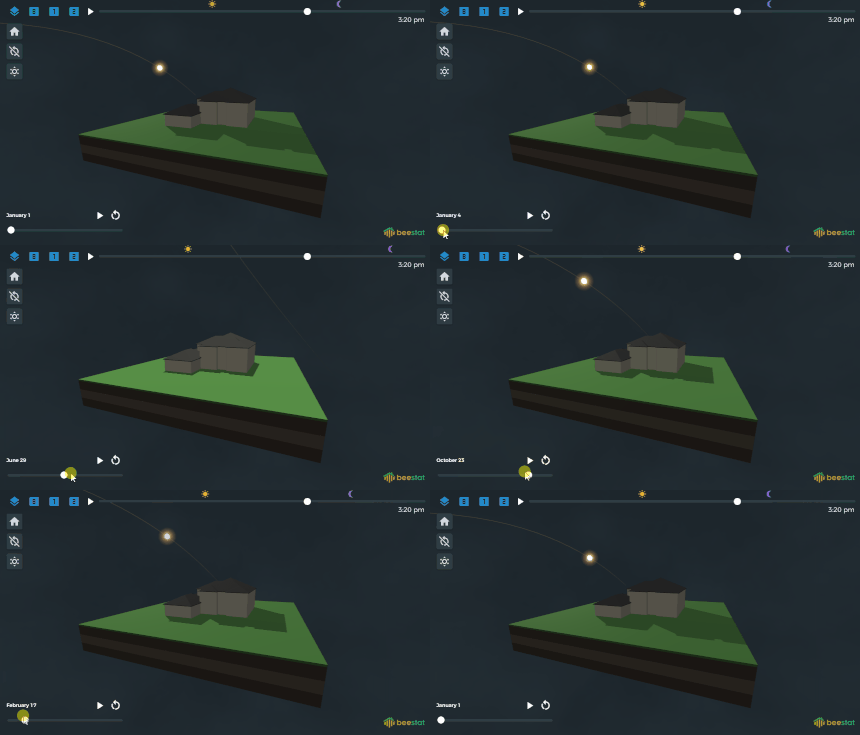
Changing the date really helps you understand how the sun’s position in the sky changes across seasons.
If you support beestat at any level, you have access to all of this right now. I know this feature isn’t a game-changer by any means, but I am personally very excited to add this to beestat as it’s just one more small thing to help us all better understand our homes.
Try it out and let me know if you have any feedback or bugs!
If you see the visualizer but not the compass then you likely had the feature (partially) enabled by accident due to a bug. If you refresh beestat it should be consistently either on or off now depending on whether or not you are currently supporting the project.
@JWizzz, @swinn Feel free to PM me your thermostat serial number and I can can take a look. I’m just pulling up Google Maps, orienting it the way the house is set up in beestat, then confirming the beestat compass is set to match that.
Mine is off by 180 degrees, in my visualization the sun rises in the west and sets in the east. Its as if the map thinks I am in the southern hemisphere.