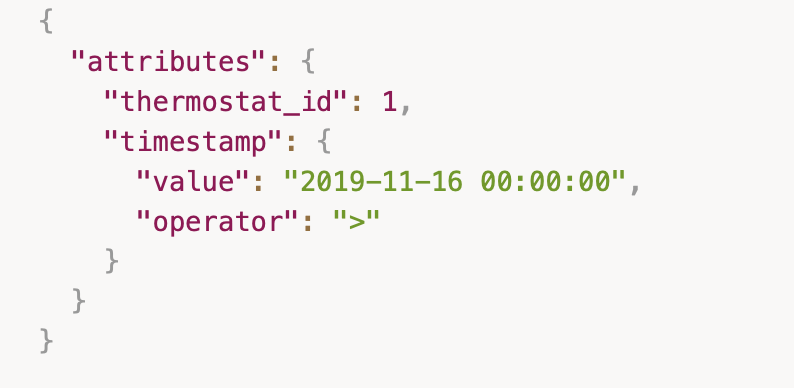
Hello - just discovered Beestat and I’m trying to use the API to get data on my thermostats. I have the API key and I can call ecobee_thermostat.read_id and get results. However, when I try and add the thermostat_id to get data for only one thermostat using the thermostat_id in the arguements, I get and “invalid thermostat_id” response. From the API documentation, I can’t figure out what to use for “thermostat_id”
The original intent was that this would also work with other thermostats like Nest, but that quickly became not a thing. The legacy of the idea lives on in multiple thermostat tables.
@ziebelje - a couple of related (sort of) question. Is the timestamp in “attributes” query in UTC or local time? In looking at the data that is returned, it appears to be UTC (timestamp":{"value":["2026-05-21T00:00:00","2026-05-22T00:00:00"],"operator":"between") returns data offset by 5 hours from US central, but I wanted to confirm. Also, the number records returned for a single day (using the query above) is 289, so I was wondering if the 5 minute data bucket start at 00:00:00 and should end at 23:55:00 or it should being at 00:00:05 and end at 00:00:00? Thanks for your help.
For a full day you’ll want 00:00 through 23:55 which is 288 records. Between is inclusive, so in your example above you’re getting one extra row which the first row for 5/22.